Live now · TV · Films · Series

Your IPTV,
done properly.

A fast, simple player for the playlists you already have. A proper TV guide, catch-up, films and series, recording, and your phone as a remote. Built for the sofa and a TV remote.

Doodcom Player doesn't come with any channels, films or series. You add your own playlist from a provider you already use.
LIVE
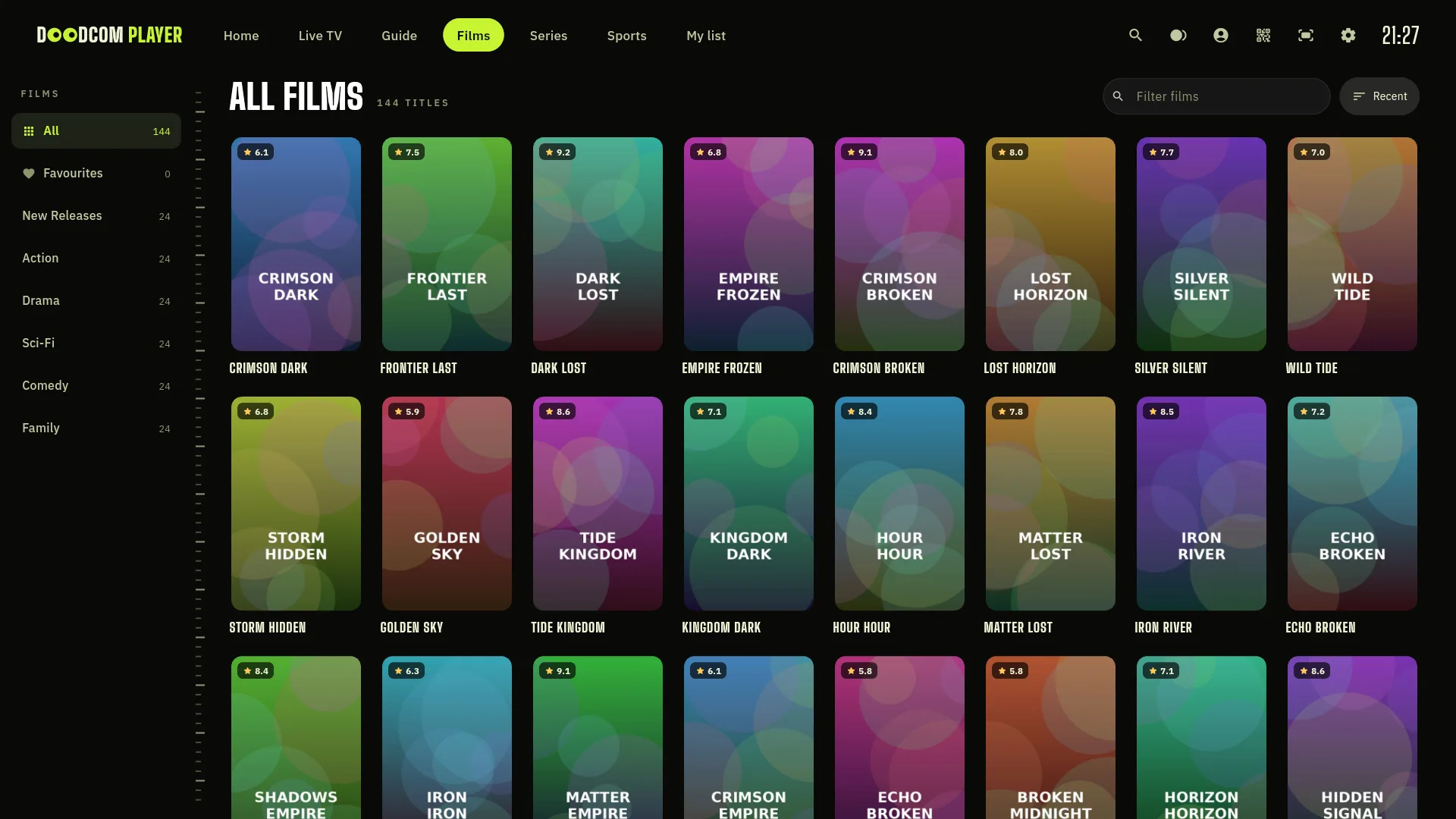
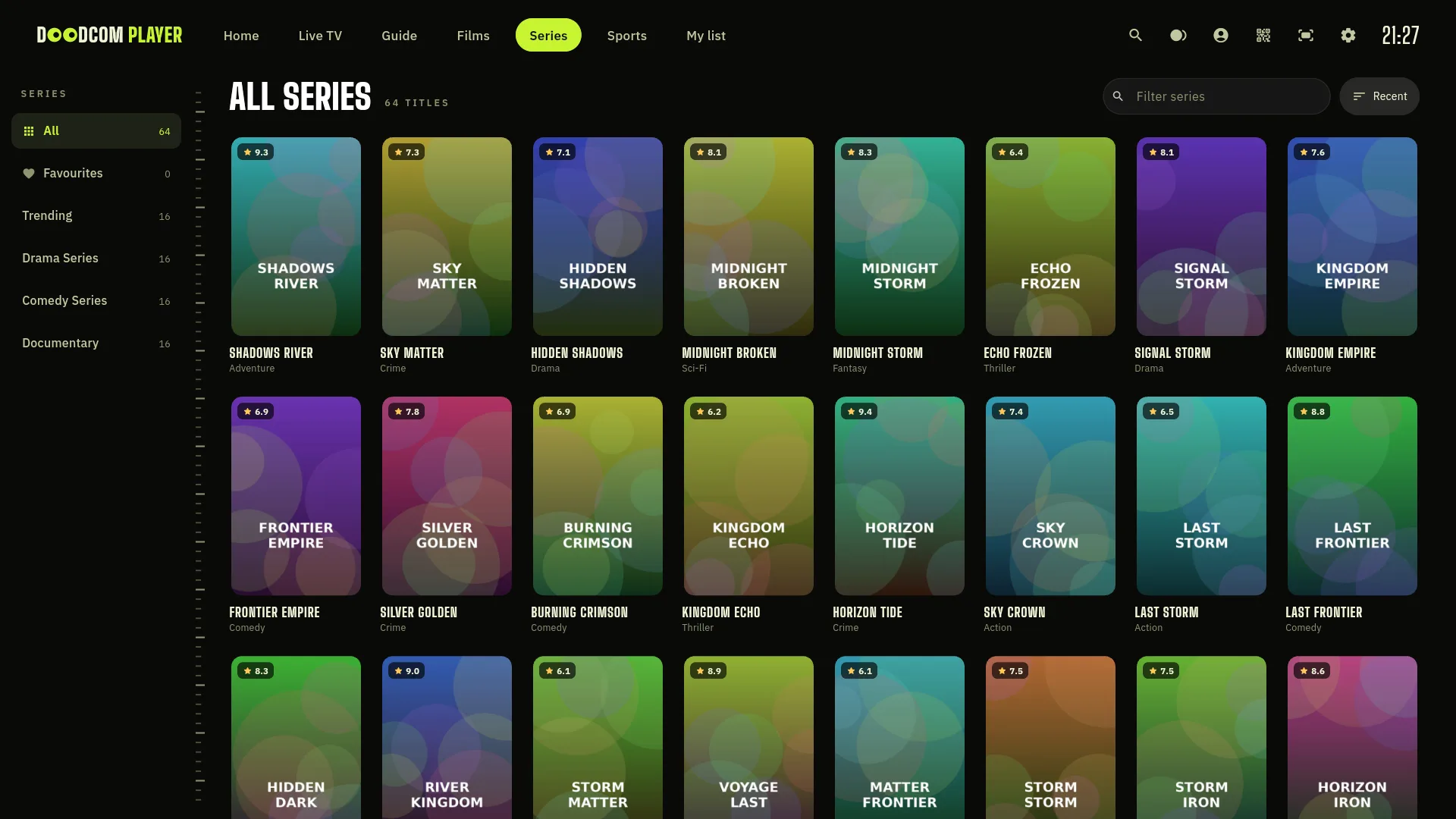
Films & series

Your whole library, beautifully laid out.

Posters, ratings and plots fill in by themselves. (These titles are made up for this page.)

What you get

Everything you watch, in one place.

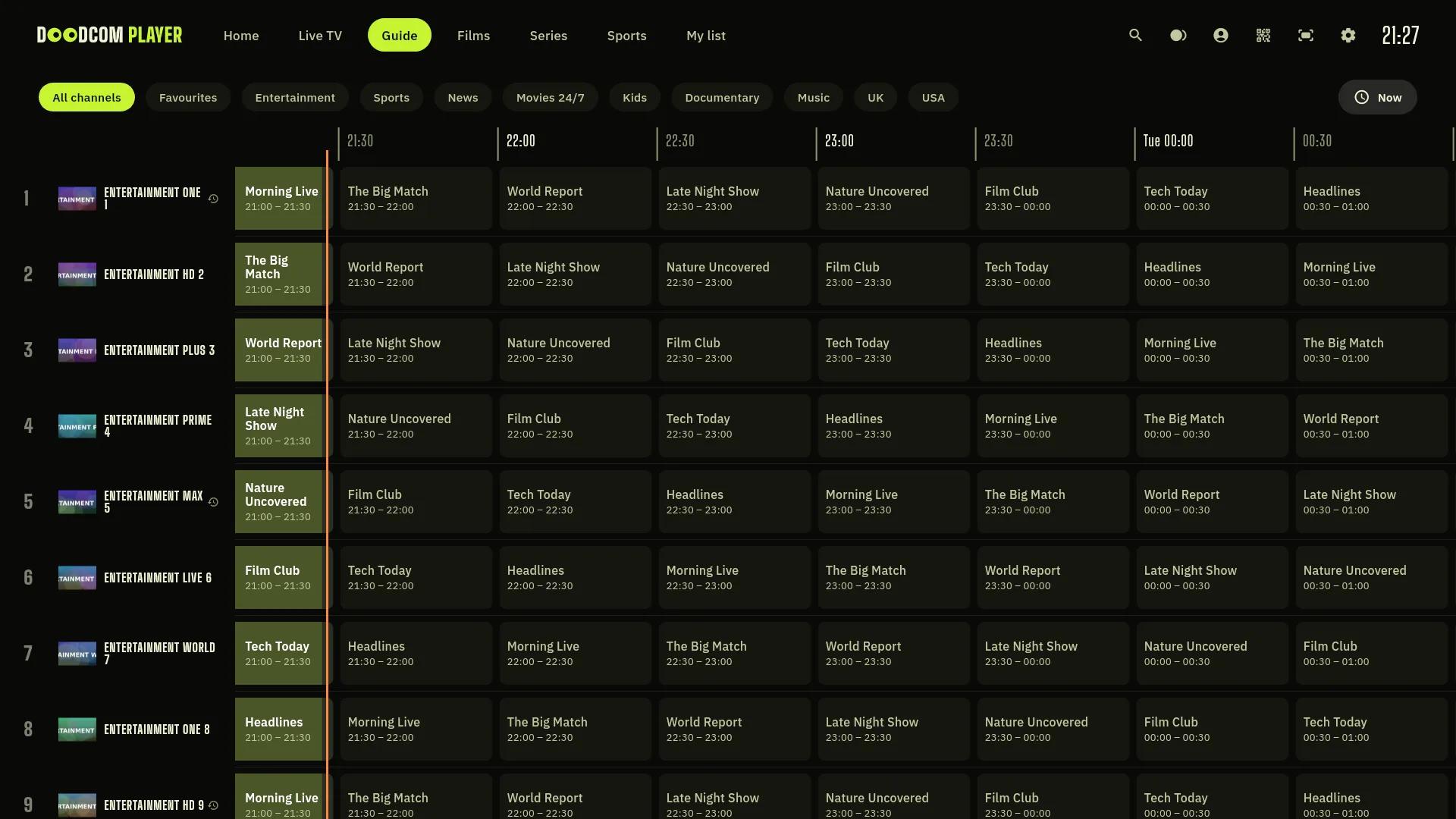
Live TV & a real guide

Channels by their logo, a preview that starts as you browse, and a full TV guide of what's on now and next.

Multi-view

Several channels at once. Made for match day.

Goal alerts

Live scores and a heads-up while you watch.

Recording

Record what's on and watch it later.

Profiles

Everyone gets their own space and favourites.

Catch-up

Missed the start? Go back and watch, on channels your provider records.

Films & series

Posters, plots, ratings and trailers, and it remembers where you stopped.

Take a look

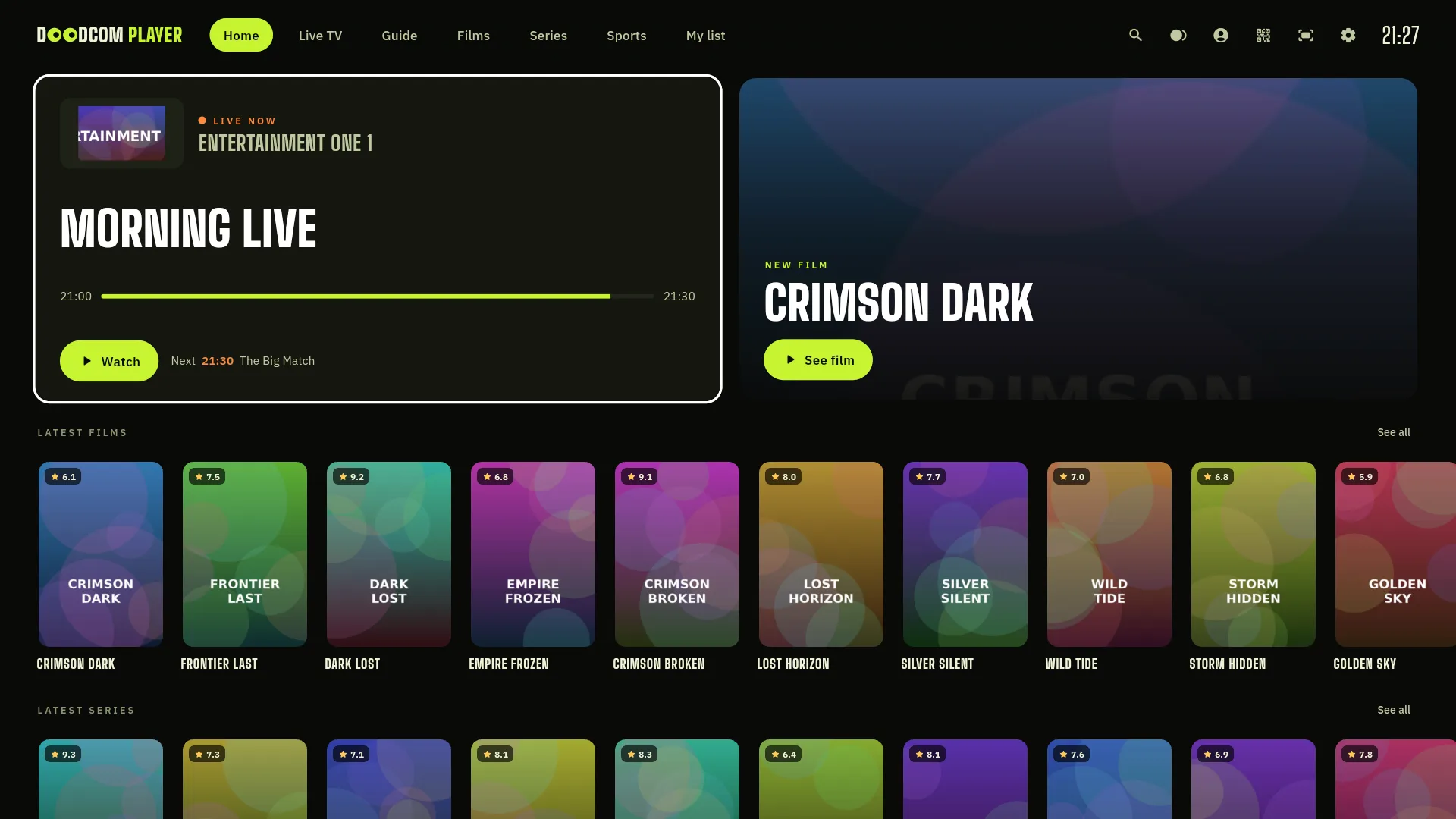
Made for the big screen.

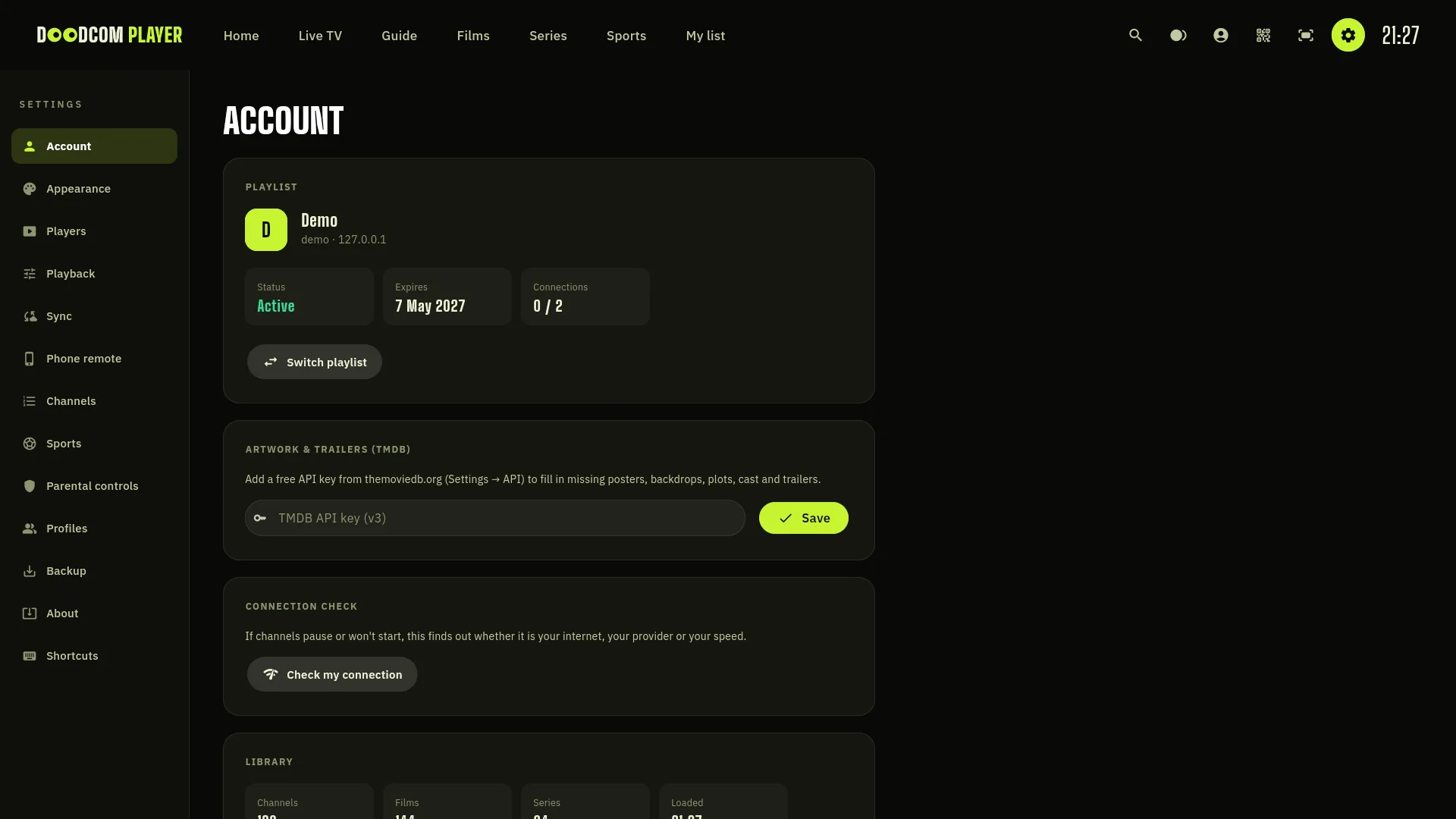
Dark, quick and easy to read from across the room. Every screen works with just up, down, left, right and OK. (Demo content, not real channels.)

Home screen TV guide Films Series Settings
Getting started

Watching in two minutes.

Install

Get Doodcom Player from Google Play on your TV box, Fire TV, phone or tablet.

Add your playlist

Type in your provider's Xtream Codes login or M3U link. Use your phone's keyboard if you like.

Watch

Channels, the guide, films and series appear by themselves. Sit back.

Phone remote

Your phone is
the remote.

Scan the code on the TV and your phone becomes a remote. Steer with the pad, and type searches and logins with your phone's keyboard instead of pecking at letters on screen.

  • No app to install: it opens in your phone's browser.
  • Works over your home Wi-Fi, nothing goes through the internet.
  • Play, pause, change channel and search.
Doodcom Player on the big screen
Works on

The screens you own.

Android TVFire TV sticksFormuler & set-top boxesNVIDIA ShieldAndroid phonesAndroid tablets
Privacy

Your business.
Not ours.

  • No adverts and no tracking.
  • Your playlists stay on your device unless you choose to sync.
  • We never sell or share your information.
  • Delete your account any time, from the app or the web.

Read the privacy policy · Delete your account

Questions

Good to know.

Does it come with channels?

No. Doodcom Player is a media player only. You add the playlist (Xtream Codes or M3U) from a provider you already use. Please only add playlists you have the right to watch.

How much does it cost?

Pricing will be on the Google Play page when the app is released. There are no adverts.

Do I need an account?

No. An account is optional and only used to bring your setup to your other devices. Without one, everything stays on your device.

Which devices does it work on?

Android TV boxes, Fire TV sticks, Formuler boxes, the NVIDIA Shield, and Android phones and tablets.

How do I delete my account?

In the app go to Settings, then Sync, then Delete account. You can also follow the steps on the delete account page.

I need help.

Email support@doodcom.com and we'll get back to you.

Ready when you are.

Coming soon to Google PlayGet in touch